Ebru — Marbling Studio
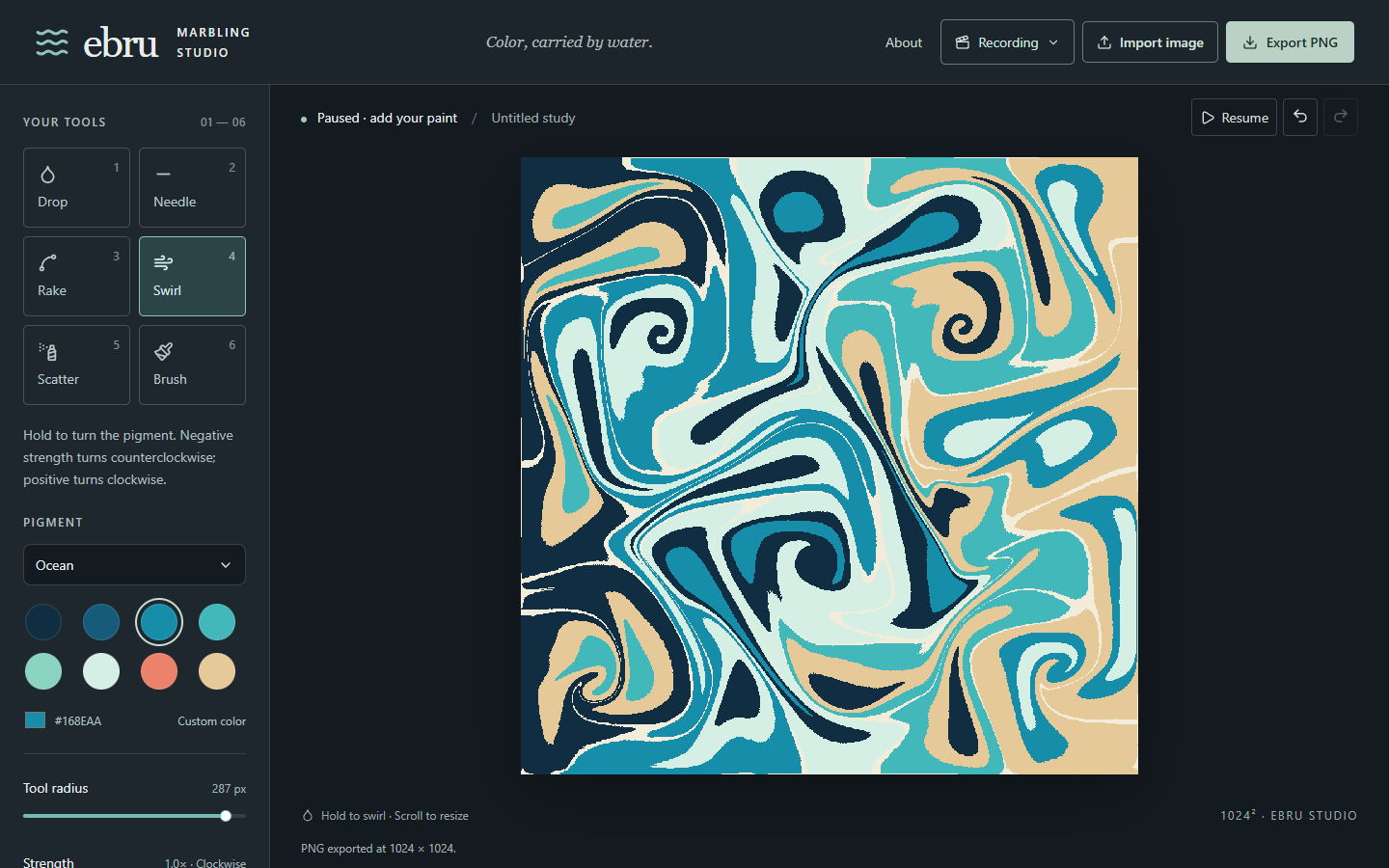
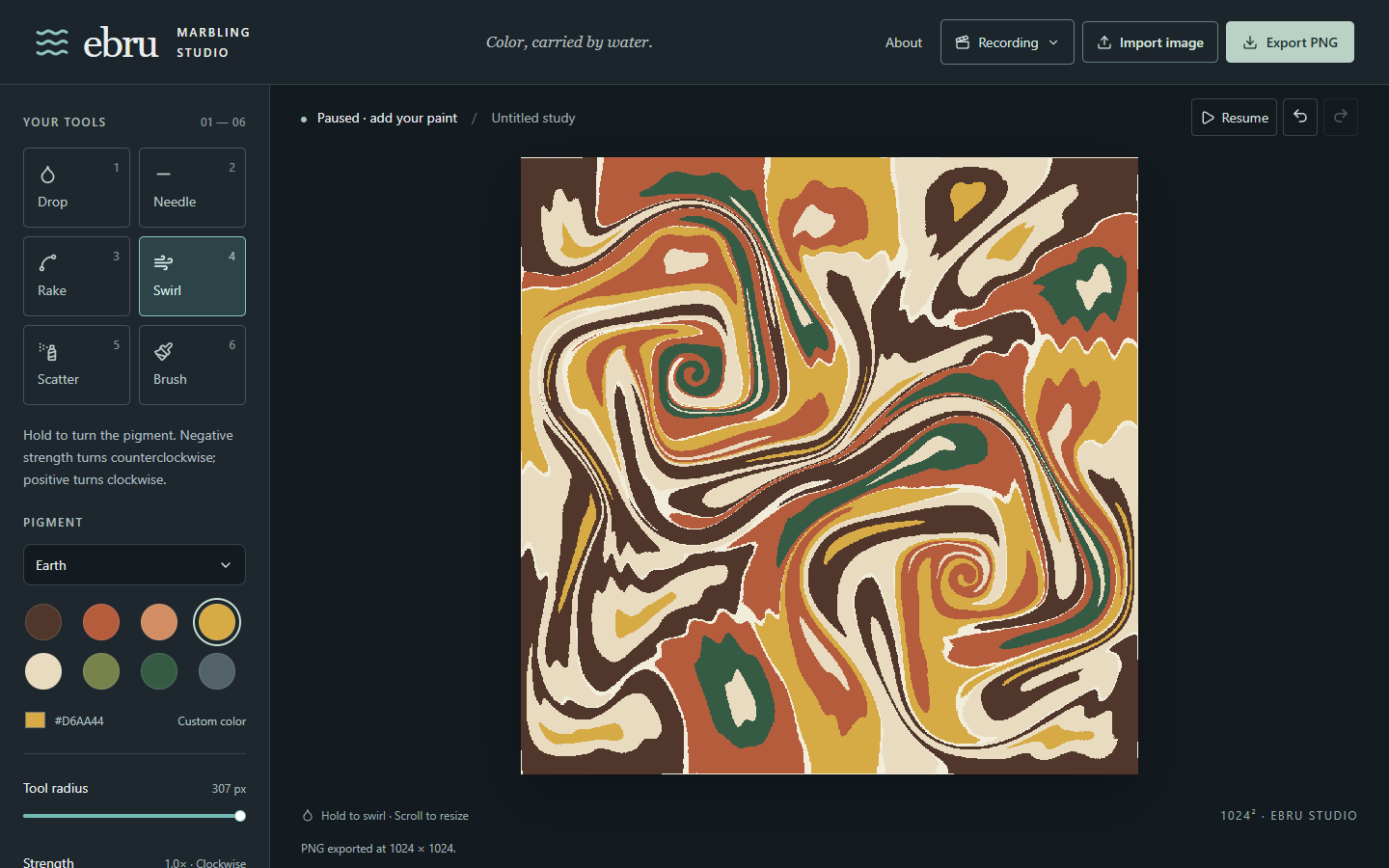
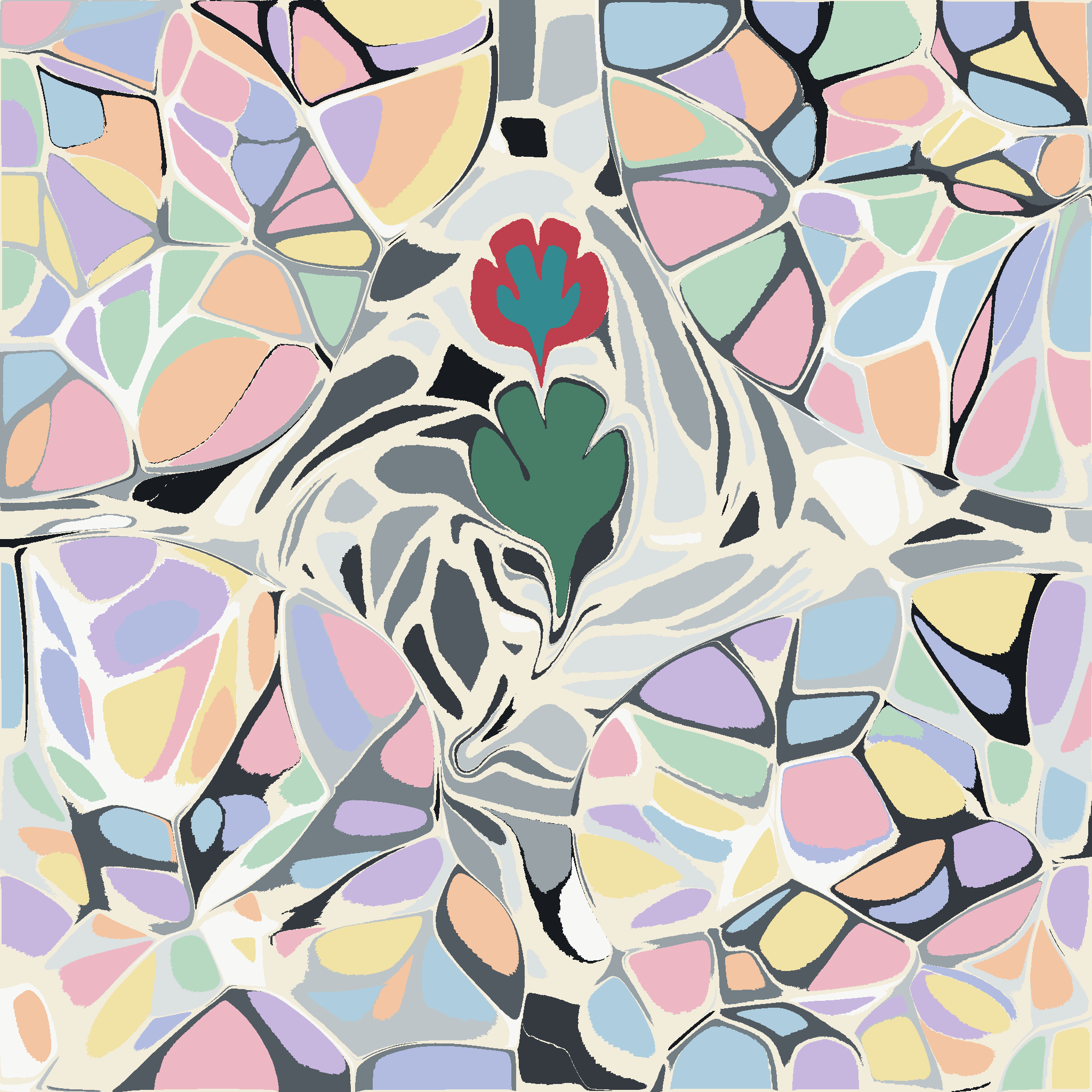
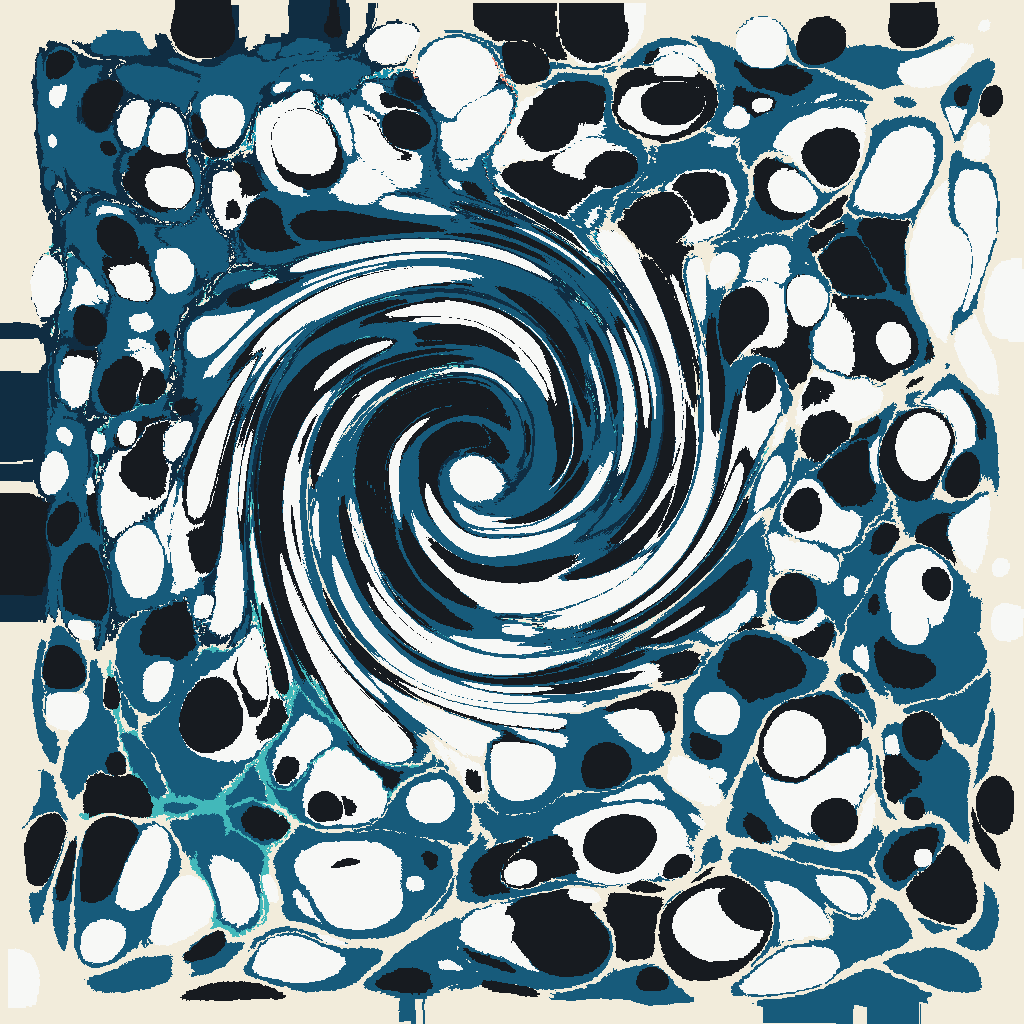
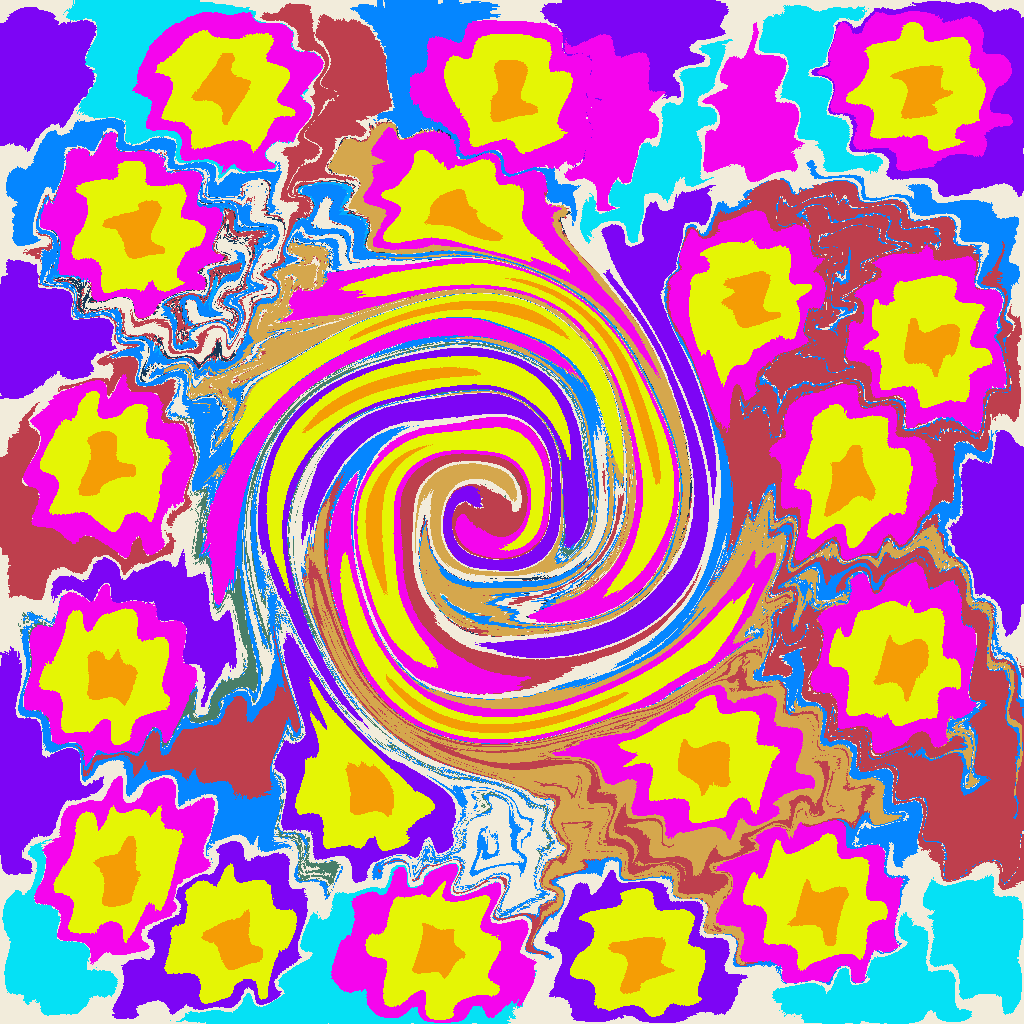
Make digital Ebru patterns with paint that spreads across a simulated liquid surface. Add colored drops, pull them with a needle, comb them into ribbons, or turn them with the swirl tool. Scatter droplets or feed paint with the brush.
Pause to arrange several drops and resume them together. Undo, redo and export your work as a PNG at up to 2048 × 2048.
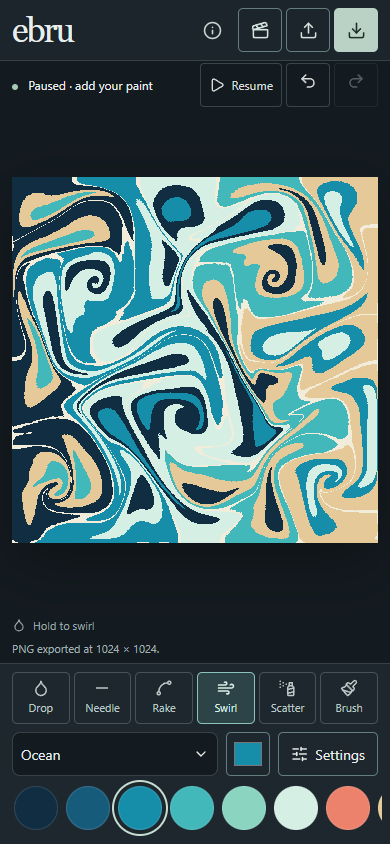
Now with a compact phone and tablet layout: quick tools and colors, touch-friendly controls, and a Settings panel for detailed adjustments. Rotate between portrait and landscape without losing your artwork. Mobile drawing requires a WebGPU-capable browser.
Requires a browser with WebGPU and hardware acceleration. Desktop Chrome or Edge is recommended. For slower devices, choose 512 × 512 resolution. Artwork stays in your browser; refreshing the page starts a new canvas. Export anything you want to keep.
Controls: mouse, pen or touch. Open Settings on smaller screens for tool adjustments. Keyboard: 1–6 select tools; Space pauses/resumes; brackets adjust size; Ctrl/Cmd Z undoes; Ctrl/Cmd Shift Z redoes.
Leave a comment
Log in with itch.io to leave a comment.